Clients and gym managers want proof before they trust a trainer. A portfolio collects that proof in one place: who you are, what you know and what results you have helped people achieve.
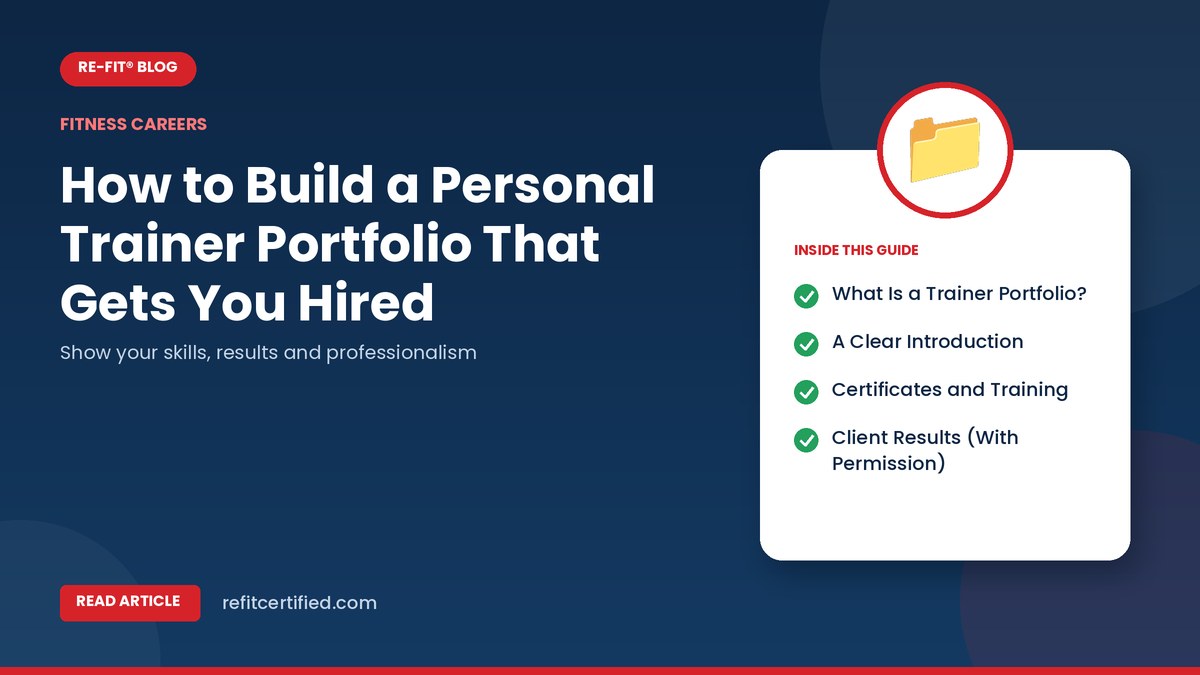
What Is a Trainer Portfolio?
A portfolio is a short document or online page that presents your qualifications, experience and examples of your work. It can be a PDF on your phone, a simple website or a well-organised social media profile.
1. A Clear Introduction
Write three or four lines about you: your certification, the clients you help and your coaching style. Example: "Certified personal trainer helping busy professionals build strength and lose fat with 45-minute sessions."
2. Certificates and Training
List your certifications with dates. If your certificate can be verified online, include the verification link or QR code. Add workshops and short courses you have completed.
3. Client Results (With Permission)
Show two to five short case studies:
- Starting point and goal
- What you did together (training frequency, key changes)
- Results after a set period, such as strength gains or improved mobility
- A quote from the client
Always take written permission before sharing photos or personal details.
4. Sample Programs
Include one or two simple sample plans, such as a 4-week beginner program. This shows your structured thinking and safe progression.
5. Testimonials
Short, honest reviews from clients or colleagues build trust. Ask happy clients for two or three sentences about their experience.
6. Your Services and Availability
- One-to-one training
- Small-group sessions
- Online coaching
- Locations or timings you are available
7. Professional Photos and Videos
A clean photo of you in training clothes and a few short coaching videos help people see your style. Good lighting and clear sound matter more than expensive equipment.
8. Contact Details
Make it easy to reach you: phone, email and social profile links.
Tips to Keep It Effective
- Keep it short: one to three pages is enough
- Update it every three months
- Focus on results and professionalism, not only appearance
- Avoid exaggerated claims or before-after photos without context
Where to Share Your Portfolio
- Job applications: attach a one-page PDF with your resume
- Instagram or Facebook: use highlights for certificates, results and testimonials
- WhatsApp: keep a ready PDF to send to enquiries
- LinkedIn: add certifications and a short professional summary
- Google Business Profile: if you run your own studio or online coaching
A Simple One-Page Portfolio Layout
- Your photo, name and one-line introduction
- Certifications with verification link or QR code
- Two short client success stories
- Three testimonials
- Services and contact details
Keep the design clean, use one or two brand colours and make sure everything is readable on a phone screen, because most people will open it on mobile.
Ethics and Privacy
Never share a client's photos, weight or health details without written permission. Avoid comparisons that shame bodies. A professional, respectful portfolio builds more trust than dramatic transformations.
Frequently Asked Questions
I am new. What can I show without clients?
Show your certificates, sample programs, coaching videos and results from friends or family you trained with permission.
Should I put prices in my portfolio?
It is optional. Many trainers share prices only after an assessment.
Strengthen Your Profile With RE-FIT
A verifiable certification is the base of a strong portfolio. Explore RE-FIT certifications.
Recommended Resources
Continue learning with relevant RE-FIT courses, programs, and publications.